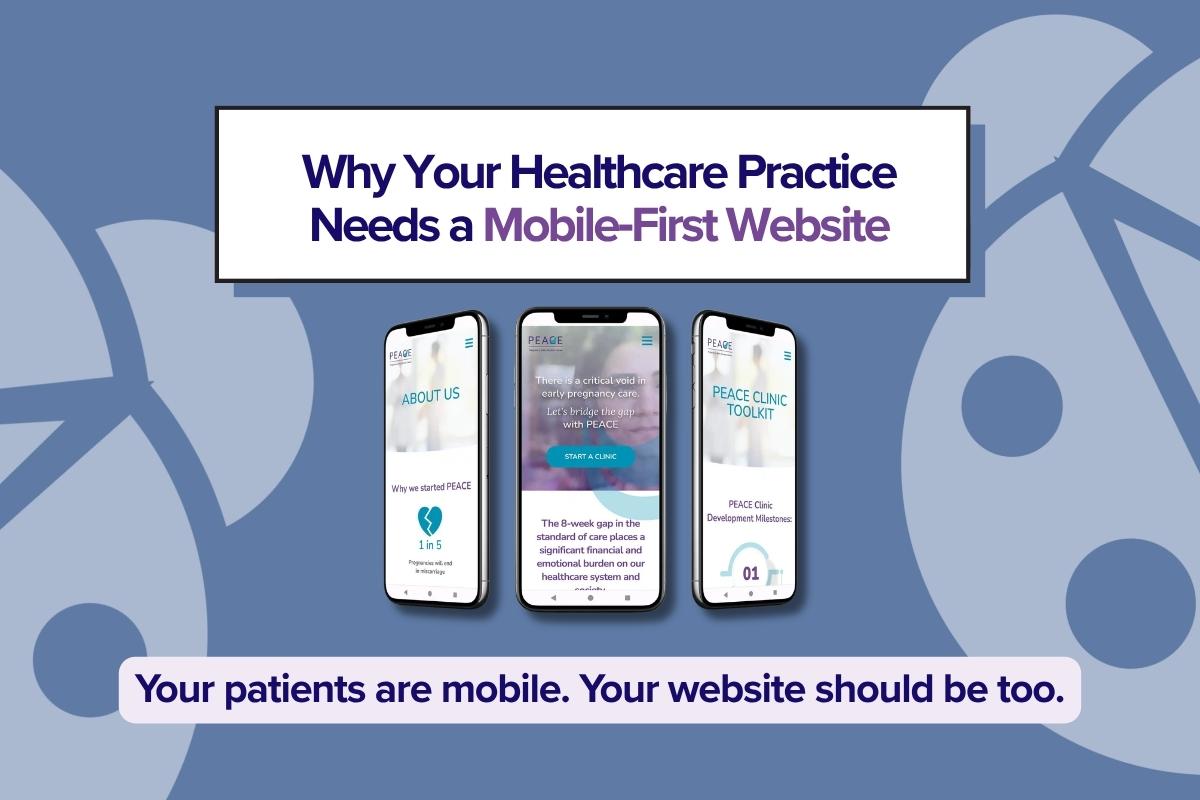

In 2026, mobile-first healthcare website design can’t be an afterthought. Because if it is, your healthcare practice will be an afterthought too. Modern patients and families are busy, and with mobile devices, multitasking has become the go-to for those of us on the run.
Patients no longer sit quietly at your desk researching the best doctors. They use voice search and get results on their phones while in the car, in the pickup line, leaving urgent care, or in the pharmacy line. Being the best, reputable doctor used to be the best way to get new patients. But now, if it’s hard to find you, book an appointment, or find the information you need about a clinic or its services, even the best doctors will lose patients to a poor mobile website user experience.
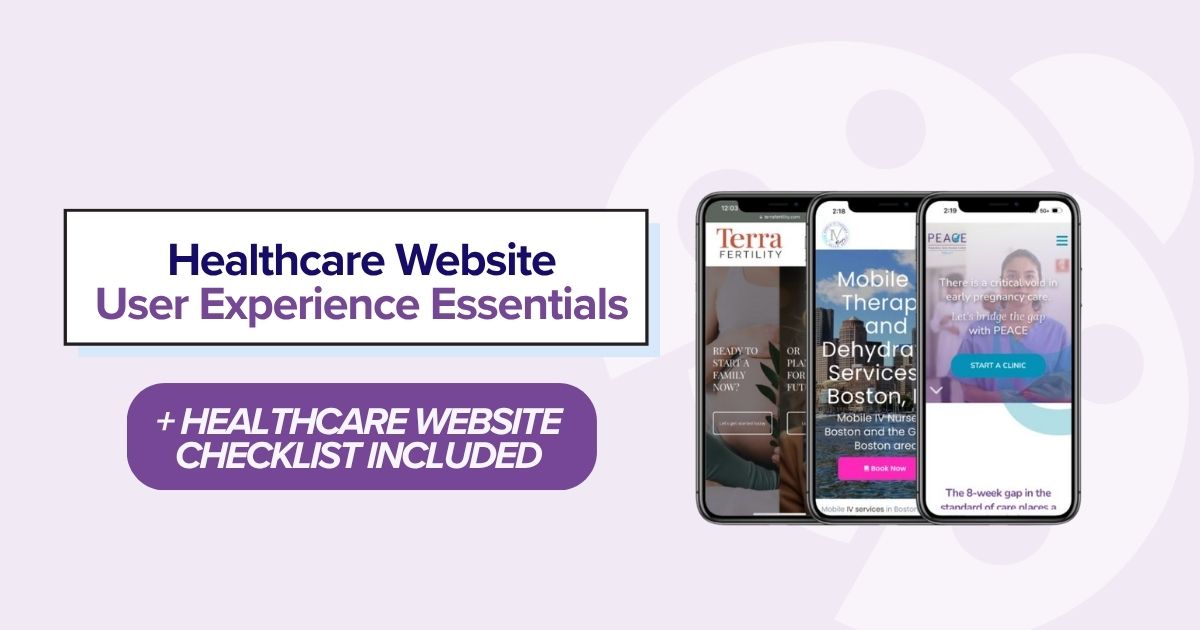
Why Mobile-First Matters More Than Ever
Mobile experiences have continued to evolve and improve in recent years, and users now expect to do everything on their mobile devices. Unfortunately, many businesses focus on desktop and laptop websites when mobile should come first.
That used to be the case, but the coin has flipped. Desktop design has been the norm since websites gained popularity over the last twenty-five years. But only in the last five years has mobile become even more important than desktop.
Years ago:
Desktop → Mobile-friendly
Today:
Mobile → Desktop second
Increased Number of Mobile Searches for Healthcare Services and Providers
This generation uses mobile devices for everything; we manage our lives on our handhelds. That is why a mobile-first healthcare website design matters for your practice.
A recent Dexcare article states that, according to Google, mobile search is now the primary way patients begin their healthcare journey, making intuitive search capabilities essential for provider websites.
Mobile Gets Indexed First
According to Google, it uses the most recent mobile version of a site’s content, crawled with the smartphone agent, for indexing and ranking. This is called mobile-first indexing. And Google is still the most important search tool in 2026 because it still processes 16.4 billion daily searches with 89–93% market share.
Patient Expectations
And, as with a retail customer who can buy shoes or furniture with the ease of a single click, patients have the same expectations when finding healthcare services. Like anything else we search for online, we want instant answers, but even more, we want to find them easily. Your website needs to make it easy for modern patients to find information, book appointments, and get answers.
Healthcare decisions can be stressful, and decisions can be made in intense moments, so you want to be that provider who puts the patient or the patient’s advocate at ease.

How Modern Patients Search for Healthcare Providers on Mobile
Google Search
When clients search Google for a provider, they typically use long-tail keywords and phrases (several words together) to find the right provider and ask questions that traditionally were answered by office receptionists. But with the rise of AI-powered search, you can find the right healthcare partner online, and you could be that provider if your mobile website is optimized for those keyphrases and questions.
When patients search for healthcare and wellness providers on mobile, their queries can include both local searches and the type of practice and related questions, all in the same search string.
Some examples of long-tail keyword searches could include the following types of phrases:
- primary care near me
- dermatologist accepting new patients
- menopause specialist Boston
Make sure all these phrases and questions appear on your website in easy-to-find places, along with the ability to book an appointment online or call from any page the user lands on.
Google Maps
Google Maps provides local listings for businesses approved by Google. Maps provides information about your practice or clinic from your Google Business Profile. On that profile, it is important to include the following information so users can compare your practice to others in the area:
- ratings
- reviews
- hours
- location
- website
- phone number and click-to-call access
- appointment or booking link
Your Google Business Profile and Google Maps also build authority and help healthcare provider websites rank better. If you have a healthcare practice, there is a high chance if you don’t have this listing, your website will get filtered out of Google Search until a physical location is confirmed with the Google Business Profile team.
Getting a GBP profile can be challenging for new clinics that haven’t opened yet and are trying to get their listings in order for opening day. In our experience, some healthcare providers will need photos and signage to prove the business actually exists there.
AI-Powered Search for Healthcare Queries
With the rise of AI-generated summaries from Google AI Overviews, ChatGPT, Perplexity, Gemini, and other AI assistants, finding a new healthcare provider on your mobile device is as easy as ever. If you prefer the ease of using AI chatbots and assistants to find services, your mobile website needs to provide AI chatbot-friendly information to rank in these applications.
When searching for their next healthcare partner, patients will now ask a multitude of questions, iteratively zoning in on the right provider for them.
This could look like them asking a question like, “What doctor treats chronic migraines?” The chatbot will provide an answer something like, “Here are the five best doctors who treat migraines.” Patients often continue the conversation with additional questions within the same query, zeroing in on the right provider for them. So they’re not just doing one search; they are doing a search within a search to find the best answer.
Practices with well-structured, authoritative content such as service pages, doctor and staff bios, and resource pages are more likely to appear in these results.

Voice Searches for Healthcare Providers on Handheld Devices
AI-generated search behavior is rising quickly because voice search is so easy to use. Speaking into your device and asking several questions in a single search query is very easy on the go.
Siri and Hey Google also play a part in voice search with the popularity of both Google and Apple mobile devices. Predecessors to AI-powered voice assistance from devices taught us how to search using more conversational language, using phrases like:
“Siri, find an urgent care near me.”
“Hey Google, pediatrician open Saturday.”
AI-assisted voice searches are also:
- longer
- conversational
- location based
Healthcare websites need to answer natural-language questions. Place important information near the top of pages so it’s instantly accessible and scannable.
Mobile UX Features That Increase Patient Appointments
You can include several features on your mobile healthcare website to improve user experience and increase patient conversion. Evaluate the patient journey and create a user experience that implements these features thoughtfully and intuitively, rather than “throwing” features onto pages just to have them.
Click-to-Call Buttons
Click-to-call buttons make it much easier to place that call from a mobile device than a hyperlinked phone number that is hard to tap while on the go. They’re also hard to see for people with vision impairment.
Online Scheduling
Online scheduling saves your patients time. They can easily coordinate their own calendars and choose times that work for them. Convenience is everything.
Thumb-Friendly Navigation
Think about users on the go who are trying to get things done on their handheld. Buttons and navigation that are hard to tap or submit will frustrate users and may cause them to lose interest right before they convert. Make it easy for them to touch key navigation links with larger text and buttons.
Fast Page Speed
On average, you have only 3 seconds for your website to fully load before users move on. While we are known to be impatient on our phones, the reality is that the typical mobile healthcare page takes 8.6 seconds to display. This creates a massive disconnect between what patients expect and the experience they actually get from healthcare providers.
Sticky Appointment Buttons
Sticky buttons remain fixed in a visible spot on a web browser screen or mobile display no matter where you navigate on a page. Instead of moving out of view like regular fixed page content, they stay pinned, or “stick,” to a corner, side, or bottom edge of your device screen, making it easy to click to contact, book, or navigate. Sticky elements can be challenging to implement and likely require assistance from a web support agency.
Short Forms
Keeping forms short by collecting only key information is crucial if you want to keep the user engaged long enough to convert. We already noted you have 3 seconds to load a website before an average user leaves, so the same rule should apply to any action on your website. Having a conditional form is also much easier for users to fill out than a long form that spans an entire page.
Interactive Maps
An interactive map is a map you can explore, customize, and edit in real time. Unlike static images, interactive maps respond to user input, letting you filter and click through to reveal new layers of information. Some key features of interactive maps include zooming and panning and the ability to pin locations. They are commonly used on healthcare websites to view physical locations and get directions. Although they can handle more complex situations, the most basic uses of interactive maps are a must-have on provider websites. The most basic interactive map is Google Maps, which you can integrate into your mobile website with simple code.
Insurance Information
One of the most common queries for healthcare practices is about insurance information. Before a patient visits a medical practice, it’s crucial to know which insurance plans are accepted and how they work. Make sure you have pages that list accepted insurance and cover everything related to insurance and medical billing. The more comfortable patients are with insurance processes, the more likely they are to come to your practice.
Patient Portals
Patient portals empower users to review their healthcare online and store health records. This makes it easy for users to access and update their own data at their convenience.
Telehealth Access
During COVID, most healthcare practices moved to an online model. Most users still expect that experience. Telehealth has become so popular that many practices now provide telehealth services exclusively. Using telehealth provides access to a larger pool of patients and makes it easier for those who can’t physically come to a location to still receive the excellent care they deserve.
Accessible Mobile Experiences
The Americans with Disabilities Act requires compliance with WCAG guidelines for websites. Like physical spaces, online spaces require accessibility, and it has become common practice in web design. Websites should also provide inclusion statements and a way to report accessibility issues.
Mobile-First Websites Improve SEO and AI Visibility
Mobile-First Indexing
Carefully crafted mobile-first websites can improve a practice’s SEO and AI visibility. Because Google uses mobile-first indexing, prioritizing your mobile website helps deliver better search results.
Core Web Vitals
Core Web Vitals is Google’s overall technical score, and meeting the requirements makes your site even more Google-friendly. Google favors most of the things mentioned above in mobile website design. It grades page speed, accessibility, best practices, SEO and AI visibility. This just solidifies the importance of a mobile-first website.
Local SEO
If patients visit your website and navigate successfully, this simple user experience helps improve local SEO results. Having local signals on your mobile website can help it rank better in local search results. These things include local information, testimonials, and location pages on the website.
Google Business Profile
A GBP is often the first interaction a user has with a local business. Aligning your website with your business, local factors, reviews, and easy-to-call-and-click features will help you rank higher on maps. Remember, Google looks at user experience, as noted in the Core Web Vitals section of this article.
Structured Data
According to Google, structured data on mobile websites removes ambiguity for search engines and AI models, driving higher click-through rates via rich snippets, improving semantic mobile search rankings, and increasing inclusion in generative AI answers.
AI Citations
AI retrieval bots heavily favor lightweight, responsive pages that deliver data cleanly, without layout shifts or heavy scripts that hide text.
Better Engagement Signals
Like dog trainers, Google rewards websites for good behavior. If you can provide patients with a fast, seamless mobile experience with a clear structure, Google and AI systems will better understand and surface healthcare content. Overall, better engagement signals improve visibility.
Common Mobile Website Mistakes Healthcare Practices Make
Great healthcare website design is all about user experience. On mobile, user experience takes more thought and user testing to perfect. For many companies, mobile website design is still secondary to desktop design, and that needs to change.
Common mistakes we still see on many websites that should be avoided include:
Tiny Text
This is hard to read and not accessible, leading to patient frustrations.
Tiny Buttons
Buttons are hard to hit, making it difficult for patients to fill out forms or make appointments.
Slow Loading
You have about 3 seconds before a user leaves, so slow, heavy websites with slow hosting will send your patient to the next practice.
Popups Everywhere
This can be one of the most annoying features we see on websites. Limit pop-ups to a one-time, easy-to-close version that stays closed after you close it.
Desktop PDFs
PDFs designed for desktop viewing can be frustrating on a phone, forcing patients to pinch, zoom, and scroll horizontally just to read important information. Whenever possible, put essential patient information directly on responsive web pages. If a PDF is necessary, make sure it is mobile-friendly, accessible, clearly labeled, and easy to download or open from a handheld device.
Long Intake Forms
We’ve already mentioned the importance of short forms or conditional forms on websites. Long forms take a long time to fill out and sometimes don’t save information, forcing patients to start over.
Broken Scheduling
I don’t think we need to say more here, but if you can’t schedule, you can’t book. Patient lost.
Hidden Phone Number
The phone number is one of the most important elements on a website. Click-to-call makes it easy for patients to book on the go. The minute reaching a provider becomes difficult, a new potential patient moves on.
Confusing Navigation
Mobile navigation should help patients get to the information they need in as few taps as possible. Overloaded menus, vague labels, and important pages buried several levels deep can quickly frustrate someone searching on a phone. Prioritize the pages patients use most: services, providers, locations, insurance, contact information, and appointment scheduling, and keep the menu simple and easy to scan.
Stock Imagery With No Providers
Users love to see real photos; stock imagery feels impersonal, and perfectly coiffed photos don’t feel authentic. It is worth investing in a photoshoot for your practice with your team and, if possible, real patients.
No Trust Indicators
Medical, healthcare, and wellness providers need patient reviews and other trust indicators such as licenses, qualifications, and professional associations. If you don’t include trust-building information on your website, patients will be less inclined to book.
What Every Modern Healthcare Website Should Include
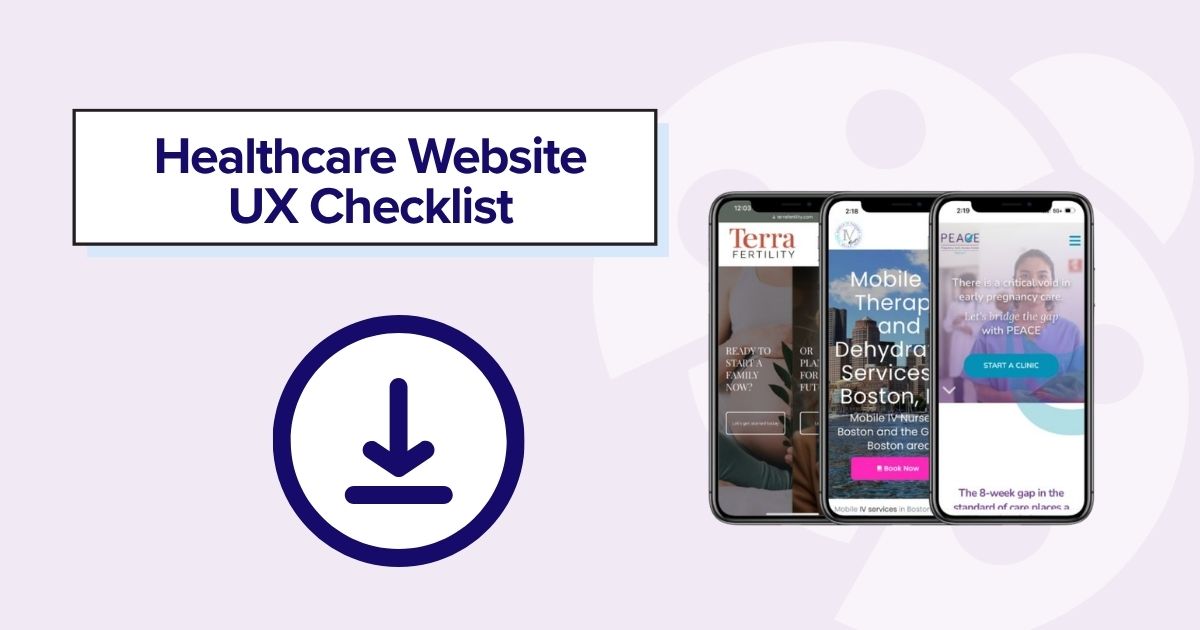
A modern healthcare website needs to do more than look professional. It should help patients find answers quickly, build trust in your providers, complete important tasks on a phone, and provide search engines and AI-powered tools with clear information about your practice. Use the following as a baseline checklist when evaluating your current website or planning a redesign.
- ✓ Mobile-first design
- ✓ Fast hosting
- ✓ Online booking
- ✓ Provider bios
- ✓ Insurance information
- ✓ Patient testimonials
- ✓ Secure forms
- ✓ Location pages
- ✓ FAQ pages
- ✓ Accessibility
- ✓ SEO
- ✓ AI search optimization
- ✓ Local SEO
- ✓ HIPAA-conscious contact forms
Is Your Mobile-First Healthcare Website Ready for 2026?
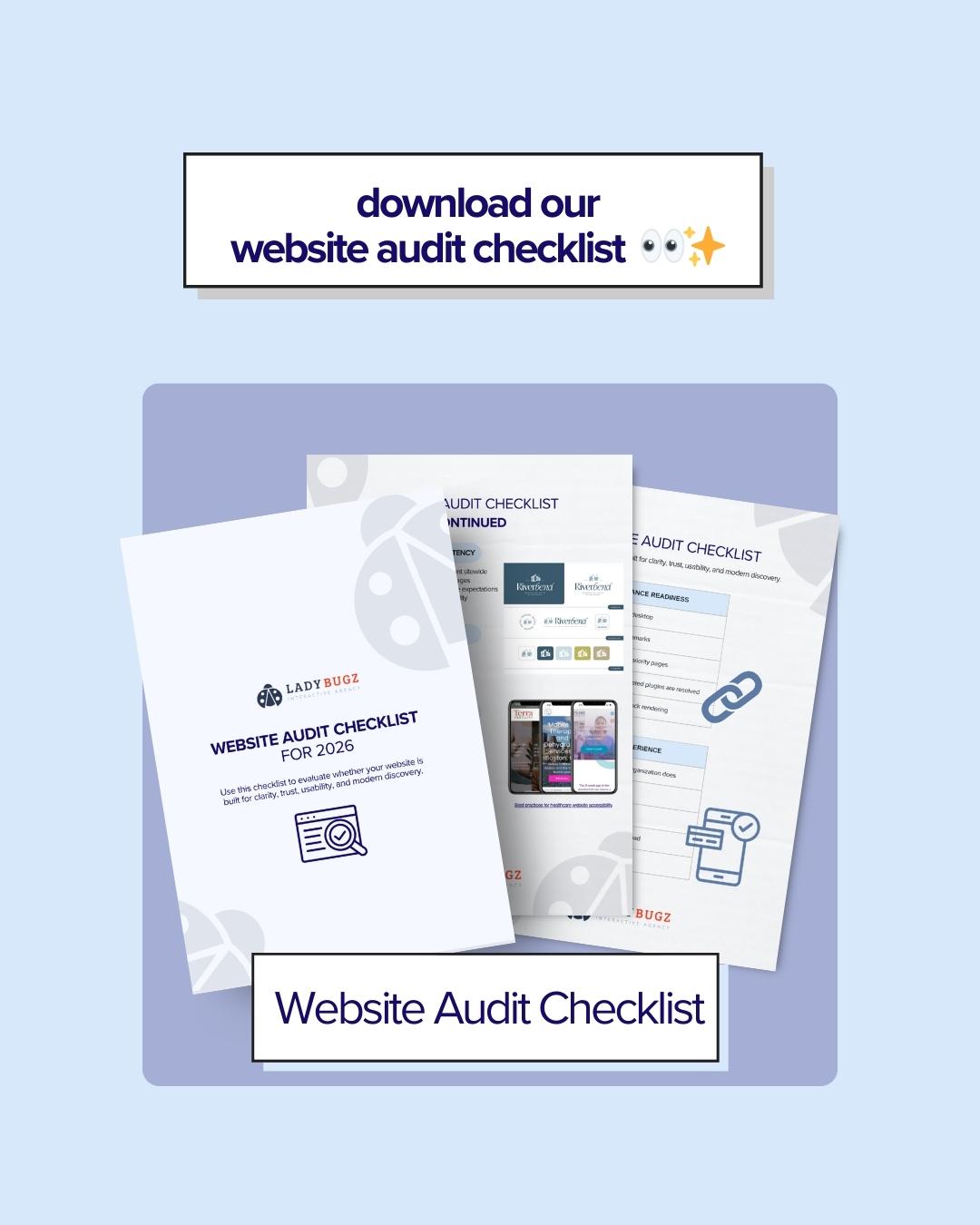
The easiest way to determine whether your website is truly mobile-first is to experience it as a prospective patient would. Pick up your phone and try to complete the most common patient tasks without using a desktop.
A Quick Self-Audit Can Reveal Friction That May Be Costing Your Practice Appointments
- Does it load quickly on a phone?
- Can patients book in under one minute?
- Does your phone number appear immediately?
- Are your providers easy to find?
- Would AI understand what services you provide?
- Can someone using voice search easily discover you?
- Does your content answer common patient questions?
A Mobile-First Healthcare Website Is Your Practice’s Online Reception Desk and Your Competitive Advantage
Since your healthcare practice’s website is likely the first interaction with a patient, investing in the best user experience is one of the best ways to grow and expand your practice, along with a great digital marketing strategy.
Finding a trusted digital marketing partner with expertise in both user-experience design and digital marketing is a recipe for success and growth. If you are looking for a growth partner, our agency, Ladybugz Interactive, has worked with healthcare practices from early growth to expanding into high-growth companies acquired by private equity. We can help you get there.